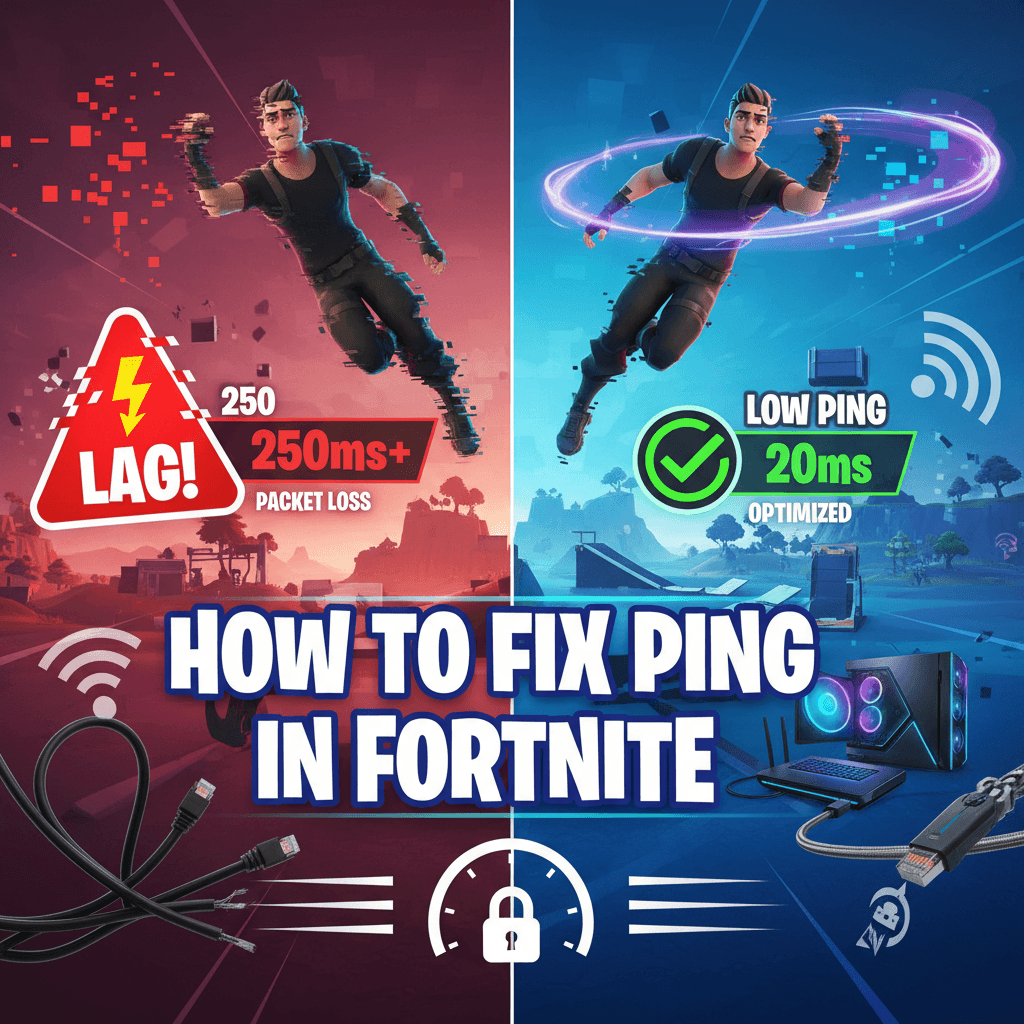
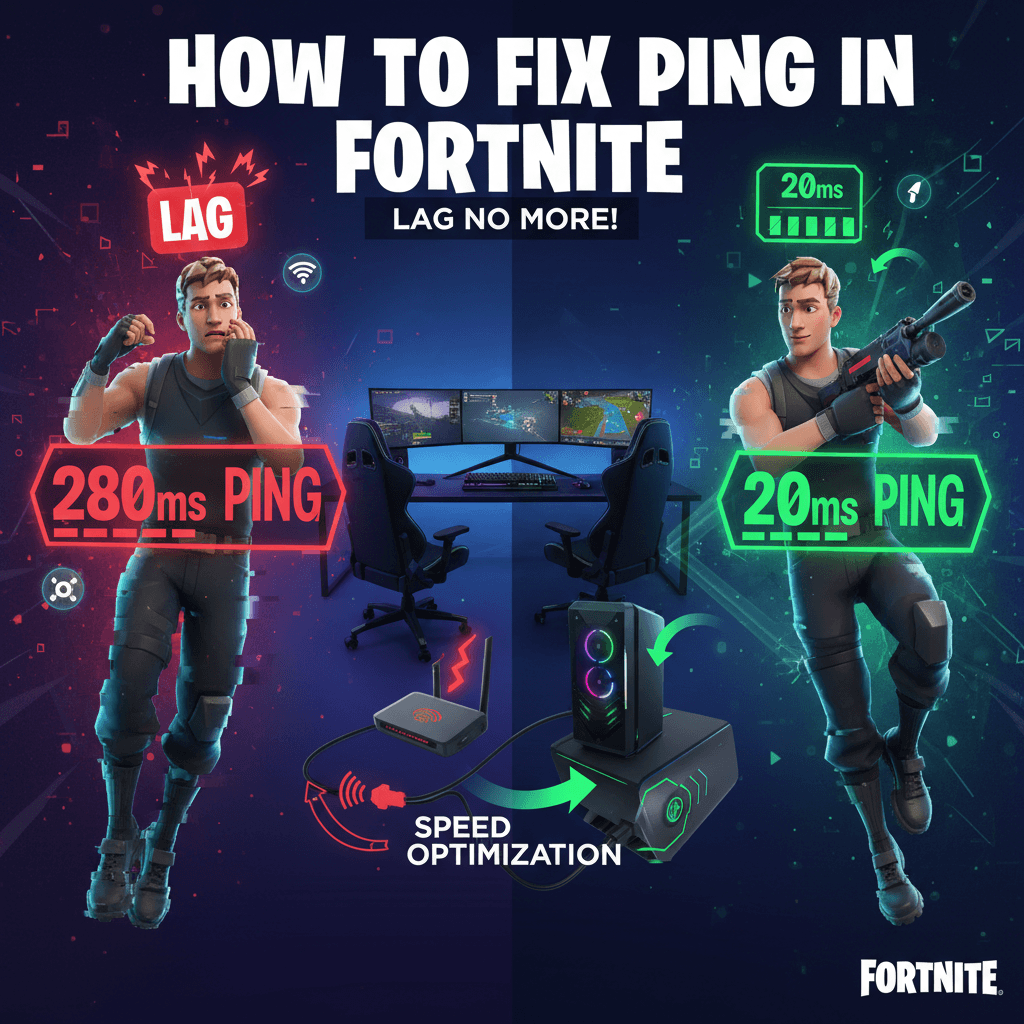
If you’re struggling with high ping in Fortnite, you’re not alone. Nothing is more frustrating than building, editing, or aiming perfectly only to have your actions delayed because of network lag. High ping can make Fortnite feel unplayable, especially in competitive matches where every millisecond matters.
In this guide, you’ll learn what causes high ping in Fortnite, how to diagnose the problem, and the best methods to reduce latency for smoother gameplay on PC, PlayStation, Xbox, and Nintendo Switch.
What Is Ping in Fortnite?
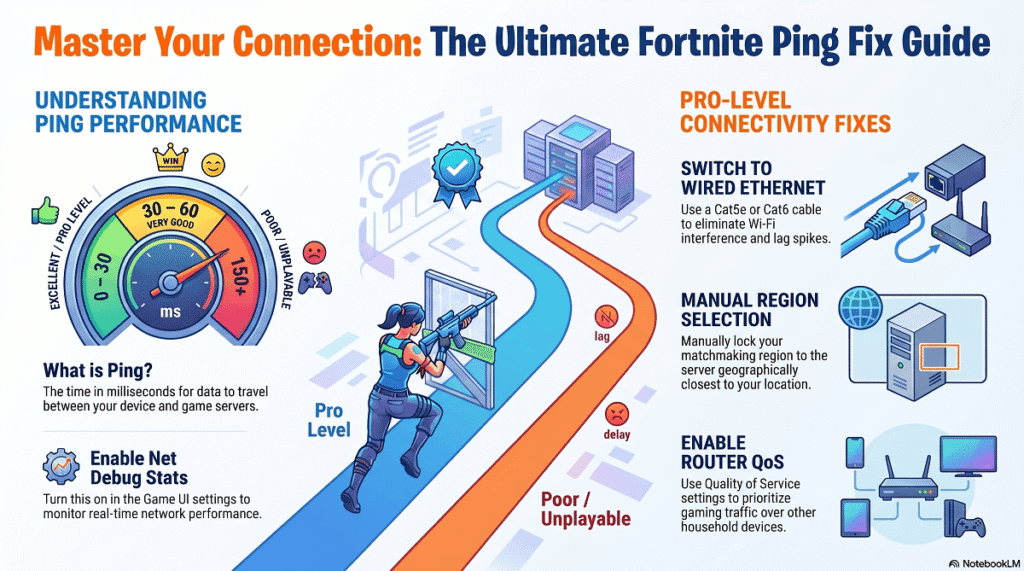
Ping is the time it takes for data to travel between your device and Fortnite’s game servers. It is measured in milliseconds (ms).
Generally:
- 0–30 ms: Excellent
- 30–60 ms: Very good
- 60–100 ms: Playable
- 100–150 ms: Noticeable lag
- 150+ ms: Poor gaming experience
The lower your ping, the faster your actions register in the game.
Why Is My Ping So High in Fortnite?
Several factors can cause high ping:
1. Server Distance
The farther you are from the Fortnite server you’re connected to, the higher your ping will be.
2. Weak Internet Connection
Slow or unstable internet can increase latency and cause lag spikes.
3. Wi-Fi Interference
Wireless connections are more prone to interference than wired Ethernet connections.
4. Network Congestion
Multiple devices streaming videos, downloading files, or using bandwidth-heavy applications can affect your gaming performance.
5. Background Applications
Programs such as cloud backups, software updates, and streaming services consume bandwidth and increase ping.
6. ISP Routing Issues
Sometimes the route your internet service provider uses to reach Fortnite servers is inefficient, causing higher latency.
Read More ▶ Starfall Odyssey A Deep Dive Into the Cosmic RPG Adventure
How to Check Your Ping in Fortnite
To view your ping:
- Launch Fortnite.
- Open Settings.
- Navigate to the Game UI tab.
- Enable Net Debug Stats.
- Return to a match.
Your ping will appear on-screen along with packet loss and other network information.
1. Select the Correct Matchmaking Region
Fortnite automatically chooses a region, but it’s not always optimal.
To change your region:
- Open Fortnite Settings.
- Go to the Game tab.
- Find Matchmaking Region.
- Choose the region with the lowest ping.
Common regions include:
- NA East
- NA Central
- NA West
- Europe
- Middle East
- Oceania
- Asia
- Brazil
Choosing the nearest server can significantly reduce latency.
2. Use an Ethernet Cable
This is one of the most effective ways to reduce ping.
Benefits of Ethernet:
- More stable connection
- Lower latency
- Reduced packet loss
- Fewer lag spikes
If possible, connect your gaming device directly to your router using a Cat5e or Cat6 Ethernet cable.
3. Restart Your Network Equipment
Network devices can develop temporary issues over time.
Try this:
- Turn off your modem and router.
- Wait 60 seconds.
- Turn the modem back on.
- Wait until fully connected.
- Turn on the router.
This simple step often resolves latency problems.
4. Close Background Applications
Background programs can consume bandwidth and system resources.
Close applications such as:
- Steam downloads
- Discord updates
- Google Drive syncing
- OneDrive backups
- Dropbox
- Torrent clients
- Streaming services
On Windows, open Task Manager and check which applications are using your network.
5. Stop Other Devices From Using Bandwidth
If someone in your home is:
- Streaming Netflix
- Watching YouTube in 4K
- Downloading large files
- Using cloud backups
your ping may increase.
Consider gaming when network usage is lower or enable Quality of Service (QoS) on your router.
6. Enable Quality of Service (QoS)
Many modern routers include QoS features.
QoS allows you to prioritize gaming traffic over other network activity.
Benefits include:
- Lower latency
- Reduced lag spikes
- Improved gaming stability
Check your router’s administration panel for QoS settings.
7. Update Network Drivers
Outdated network drivers can affect connection quality.
Windows Users
- Right-click Start.
- Select Device Manager.
- Expand Network Adapters.
- Right-click your adapter.
- Choose Update Driver.
Keeping drivers current can improve network stability.
8. Use a Faster DNS Server
Although DNS doesn’t directly lower ping during gameplay, it can improve connection reliability.
Popular DNS providers:
Google DNS
- 8.8.8.8
- 8.8.4.4
Cloudflare DNS
- 1.1.1.1
- 1.0.0.1
Many gamers prefer Cloudflare because of its speed and reliability.
9. Check for Packet Loss
Packet loss often feels similar to high ping.
Signs of packet loss:
- Rubberbanding
- Teleporting players
- Delayed shots
- Connection interruptions
If packet loss is present:
- Restart your router
- Switch to Ethernet
- Contact your ISP
- Check for damaged cables
10. Update Fortnite
Epic Games frequently releases updates that improve performance and networking.
Always install the latest Fortnite version before troubleshooting further.
11. Disable VPN Services
VPNs can increase the distance your data travels.
If you’re using a VPN:
- Disconnect it.
- Restart Fortnite.
- Test your ping again.
Many players see immediate improvements after disabling VPN services.
12. Contact Your Internet Service Provider
If you’ve tried everything and still experience high ping, the issue may be with your ISP.
Ask them about:
- Network congestion
- Routing issues
- Gaming optimization options
- Available service upgrades
Some providers can adjust routing paths to gaming servers.
Best Fortnite Network Settings
For the smoothest experience:
- Use Ethernet instead of Wi-Fi
- Enable QoS on your router
- Choose the nearest matchmaking region
- Close background downloads
- Keep Fortnite updated
- Restart network equipment regularly
- Use modern networking hardware
Read More ▶ Unlock Fun The Top Mobile Games You Need to Play in 2026
Frequently Asked Questions
What Is a Good Ping for Fortnite?
A ping below 50 ms is considered very good. Competitive players typically aim for 20–40 ms.
Can Wi-Fi Cause High Ping?
Yes. Wi-Fi interference, weak signals, and network congestion can all increase latency.
Does Faster Internet Lower Ping?
Not necessarily. Ping depends more on connection quality, routing, and server distance than download speed.
Why Does My Fortnite Ping Spike Randomly?
Common causes include:
- Network congestion
- Background downloads
- ISP issues
- Wi-Fi interference
- Server-related problems
Can I Get 0 Ping in Fortnite?
True 0 ping is impossible because data must always travel between your device and the game server. However, players located extremely close to Fortnite servers may achieve very low ping values.
Final Thoughts
High ping in Fortnite can make building, editing, and combat feel delayed and frustrating. Fortunately, most latency issues can be fixed by selecting the correct server region, switching to Ethernet, reducing network congestion, and optimizing your router settings.
Start with the simplest solutions—checking your matchmaking region, restarting your router, and closing background applications. In many cases, these steps alone can dramatically improve your connection and help you enjoy a smoother Fortnite experience.