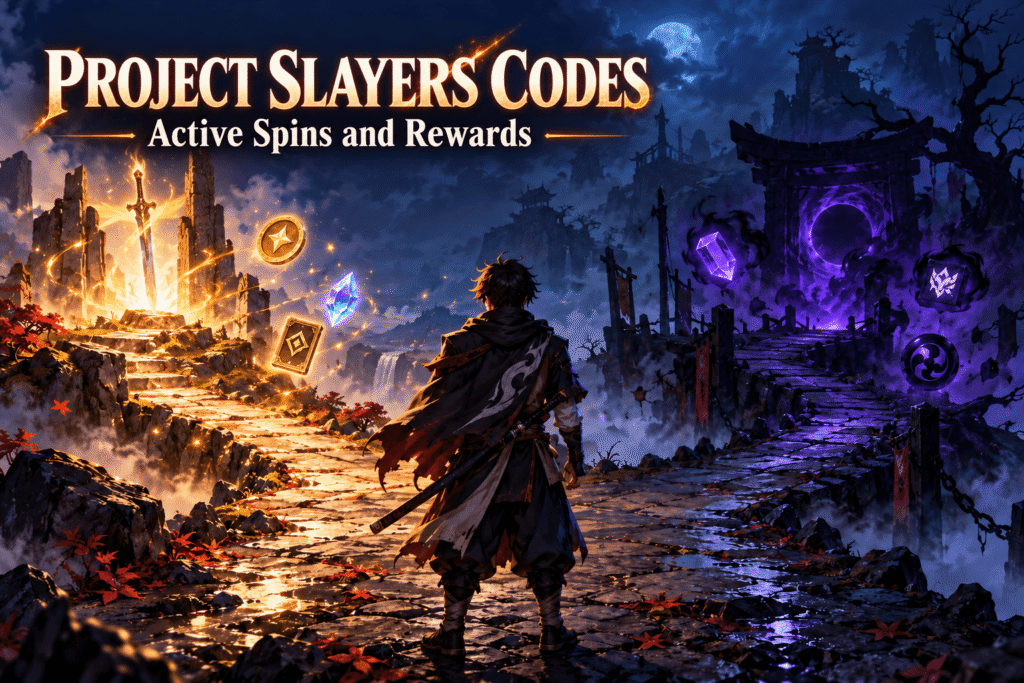
Looking for Project Slayers codes for free spins or resets? As of September 24, 2026, we cannot verify an active code from an official announcement or an in-game test. Some code lists disagree, so copying a code labeled “active” elsewhere may waste your time. The status below separates that uncertainty from older codes you can safely skip. If the developers release a new code, you can use the redemption steps here to claim it.
Quick answer: No Project Slayers code is confirmed active in this guide. Check the official Roblox experience for developer announcements before trying a newly shared code. We have not tested codes inside the game.
Expired Project Slayers codes
The following older codes appear on expired-code lists. Their exact spelling matters if you are comparing them with a code someone has shared, but they should not be presented as current rewards.
| Code | Reward | Status | Last Tested |
|---|---|---|---|
| stone_breathing_spins | Spins | Listed as expired | Not tested in-game |
| stone_breathing_race_reset | Race reset | Listed as expired | Not tested in-game |
| NewYear2024Spins | Spins | Listed as expired | Not tested in-game |
| NewYear2024Breathing | Breathing reset | Listed as expired | Not tested in-game |
| NewYear2024Race | Race reset | Listed as expired | Not tested in-game |
Active Slayers 2 Codes
| Code | Reward(s) | Copy |
|---|---|---|
| SPINS50 | 50 Spins NEW | |
| BREATHRESET | Reset Breathing NEW | |
| ARTRESET | Reset Evil Art NEW | |
| SkillTreeReset | Reset Skill Points | |
| Release26 | 100 Wen, 30 Spins, and 1 Refinement Ore |
Expired Slayers 2 Codes
- EVILARTSPINS – 54 Spins
- SORRYFORSHUTDOWN – 39 Spins
- POINTSRESET – Reset Skill Points
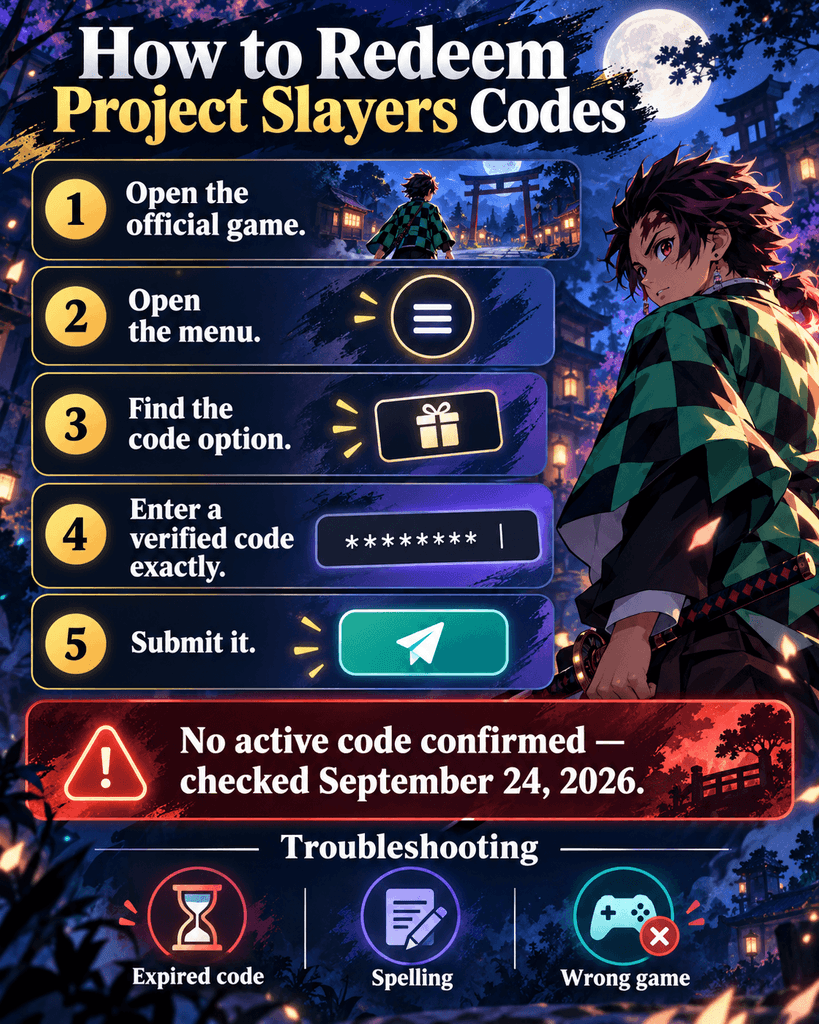
How to redeem Project Slayers codes
The game’s Roblox description identifies M as the menu key. A published redemption guide shows a book icon and a code-entry box within that menu; the current interface has not been verified in-game for this article.
- Launch the official Project Slayers experience on Roblox.
- On a keyboard, press M to open the menu.
- Look for the book icon that opens the code-entry screen.
- Enter a newly confirmed code exactly as published, including capital letters and punctuation.
- Select Submit Code and check the game’s response.
On a device without a keyboard, open the game’s on-screen menu and look for the code-entry option. The mobile and controller layouts need an in-game check before more specific button instructions can be published.
Why is my Project Slayers code not working?
The code may have expired
A code can stop working after a published list was updated. If an official announcement gives an end date, check that date first. Otherwise, look for a current developer confirmation.
The spelling may differ
Compare the code character by character. Numbers, capital letters, underscores, and punctuation are easy to miss. Paste from the original announcement when possible, and remove any accidental space before or after the code.
You may have used it already
If the game says a code was previously redeemed, trying it again on the same account will not produce another reward. Read the game’s response before changing anything on your account.
The code may belong to another experience
Open the official Project Slayers Roblox page before redeeming. Similarly named Roblox experiences and sequel discussions can lead to codes intended for a different game.
The menu may have changed
If the book icon or entry field is missing, inspect the current in-game menu. Avoid assuming an old screenshot still matches the live interface. A fresh official developer post is the best place to check for changed instructions.
Where to check for new codes
Start with the official Project Slayers experience page and announcements from its developer group. Check that a post names Project Slayers and shows the full code before sharing it. Treat third-party lists as leads to verify, especially when they disagree about whether a code still works.
Project Slayers codes FAQ
Are there any active Project Slayers codes?
No active code could be confirmed for this guide as of September 24, 2026. That does not prove every older code fails in-game. It means the available sources did not establish a dependable working list, and the codes were not tested on a Roblox account.
Do Project Slayers codes give free spins?
Some previously published codes offered spins, while others offered resets. A past reward does not mean its code can still be claimed. Check a newly announced code’s stated reward and current status before counting on it for a character choice.
How do I enter a Project Slayers code?
Open the official game and use its menu. On a keyboard, the official game description lists M as the menu key. A published guide shows a book icon leading to a code field and a Submit Code button, though that screen has not been checked in-game for this article.
Are Project Slayers codes case-sensitive?
Enter a code exactly as its publisher writes it. Older codes include mixed capitalization and punctuation, so copying a verified announcement is safer than typing from memory. If a code fails, also check for spaces added when pasting.
Why does a code say it is invalid?
The code might be expired, mistyped, intended for another experience, or copied from an inaccurate list. Check its spelling and source first. If both match, look for a current developer announcement; repeatedly entering the same rejected code is unlikely to help.
Can I redeem Project Slayers codes on mobile?
Roblox offers mobile access, but this article could not verify the current Project Slayers code-menu layout on a phone. Open the game’s on-screen menu and look for its code-entry option. If it is absent, check current official instructions instead of relying on a keyboard-only screenshot.
For now, check an official developer announcement before trying a code. This page should be updated only when a new code and its reward can be confirmed.
Expired codes:
- NewYear2024Spins
- NewYear2024Breathing
- NewYear2024Race
- obishowcase
- stone_breathing_spins
- stone_breathing_race_reset
- stone_breathing_breathing_reset
- ThanksFor400MVisits
- ThanksFor650KVotes
- Update309ArtSpins
- Update309RaceReset
- Update309BreathingReset
- 3AsTeRRaceReset
- H@pPy3AsTeR
- ThanksFor200MilVisitsBreathingReset
- Roblox@ItAgain
- ProjectShutdown
- ProjectShutdownRace
- Roblox@ItAgainRaceReset
- Roblox@ItAgainBreathingReset
- New500kLikesCode!
- New500kLikesCode!
- ThanksFor200milVisitsRaceReset!
- ProjectShutdownBreathing
- ThanksFor500kVotes
- Miniupdate1.5
- SorryForIssuesToday
- SorryForDataIssues
- Update1.5Spins
- Update1.5BreathReset
- Update1.5RaceReset
- NewAntiExploit
- Upd295MiniCode
- !ThanksFor250MVisits
- !500kLikeCode!
- ThanksFor350MVisits
- ThanksFor350MVisits2
- ThanksForLikes600K
- ThanksForLikes600K2
- Thx4300MNOuwohanaIsBack
- Thx4300MNOuwohanaIsBackBreathReset
- Thx4300MNOuwohanaIsBackRaceReset
- ThanksFor200milVisitsRaceReset!
- ThanksFor200milVisitsRace
- HappyNewYears!
- 2023BreathingReset
- HappyUpdateYears!
- MerryChristmas2022
- MerryChristmas2022RaceReset
- MerryChristmas2022BreathingReset
- Upd@ate1B1gCodE
- IncreasedDropsBreathReset
- IncreasedDropRaceReset
- 400Klikes
- 400Klikesracreset
- 400Klikesbreathingreset
- Miniupdate3
- MiniUpdate3racereset
- Miniupdate3breathingreset
- 350Kupvotes!
- 350Kupvotes!Breathing
- lastcode?lol
- anotherdayanothershutdown
- 300klikes!
- shutdownnumb2
- shutdown!
- miniupdate
- miniupdatedaily
- soryagainguys:V
- 200K+upvotestysm
- sorryforanothershutdown
- 100K+likesiglol
- werebackup
- Gettingthere!
- Sorryforshutdowns!
- FINALLYRELEASETIME!